



Description
Overview
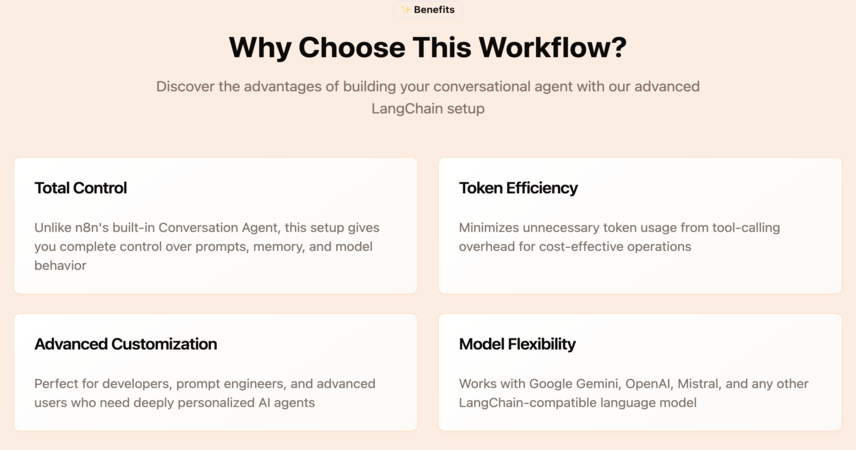
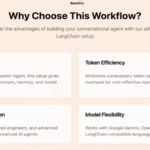
This workflow showcases how to build a fully customizable conversational agent using LangChain's Code Node and Google Gemini. Unlike n8n’s built-in Conversation Agent, this setup gives you total control over prompts, memory, and model behavior — all while minimizing unnecessary token usage from tool-calling overhead.
Perfect for advanced users, developers, and prompt engineers looking to design deeply personalized AI agents.
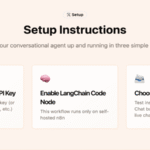
🛠️ Setup Instructions
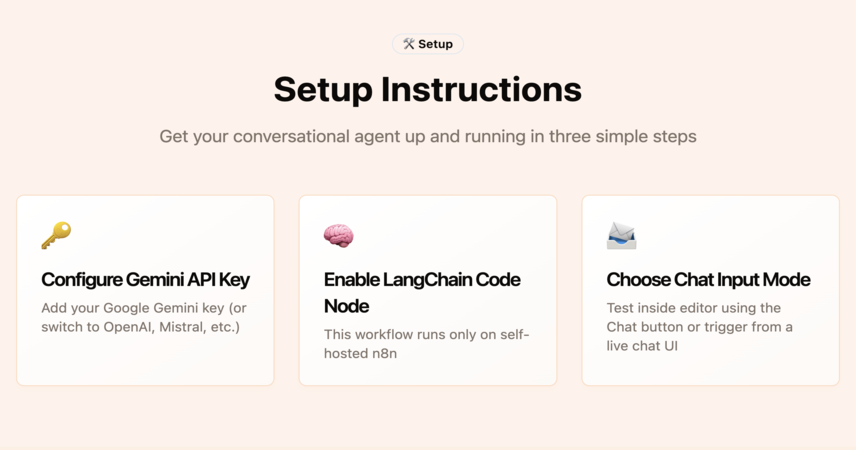
🔑 Configure Gemini API Key – Add your Google Gemini key (or switch to OpenAI, Mistral, etc.)
🧠 Enable LangChain Code Node – This workflow runs only on self-hosted n8n
📨 Choose Chat Input Mode –
💬 Test inside editor using the Chat button
🌐 Or trigger from a live chat UI via the When Chat Message Received node
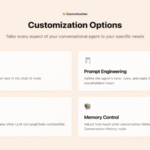
🎨 Customization Options
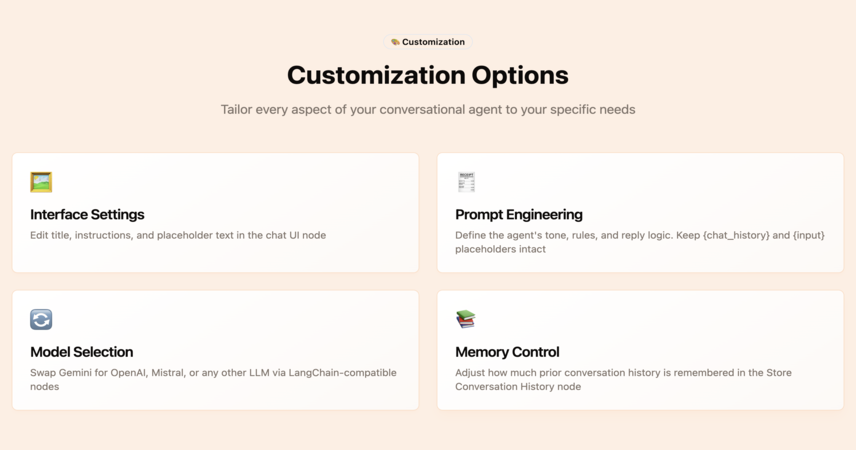
🖼️ Interface Settings – Edit title, instructions, and placeholder text in the chat UI node
🧾 Prompt Engineering – Define the agent’s tone, rules, and reply logic in the Construct & Execute LLM Prompt node
⚠️ Be sure to keep {chat_history} and {input} placeholders intact
🔄 Model Selection – Swap Gemini for OpenAI, Mistral, or any other LLM via the LangChain-compatible node
📚 Memory Control – Adjust how much prior conversation history is remembered in the Store Conversation History node
📋 Requirements
⚠️ This template requires the LangChain Code Node, which is available only on self-hosted n8n instances.
Make sure to enable langchain in your custom nodes configuration.

 Visit Main Gignaati Website
 Learn with Gignaati Academy
 Explore Workbench
 Partner with Us
 Invisible Enterprises – Buy on Amazon
 Terms & Conditions
 Privacy Policy