





Description
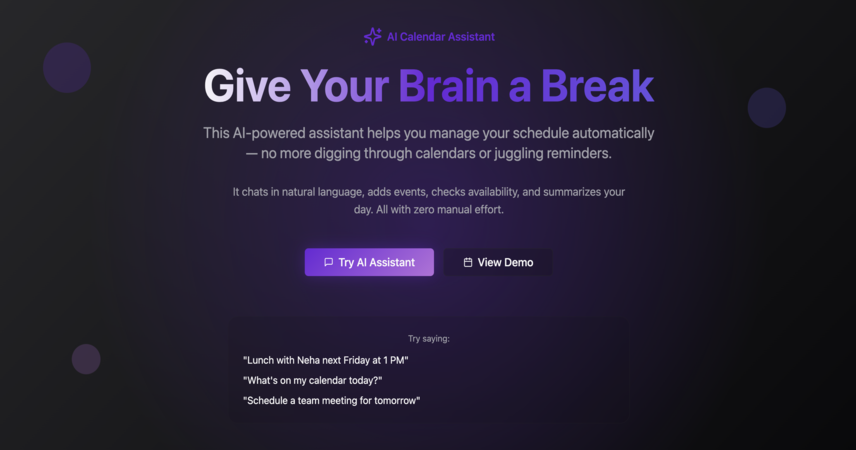
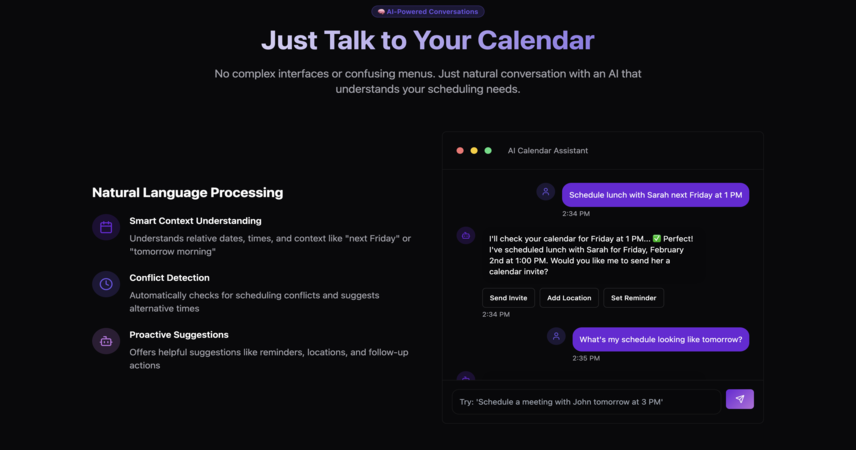
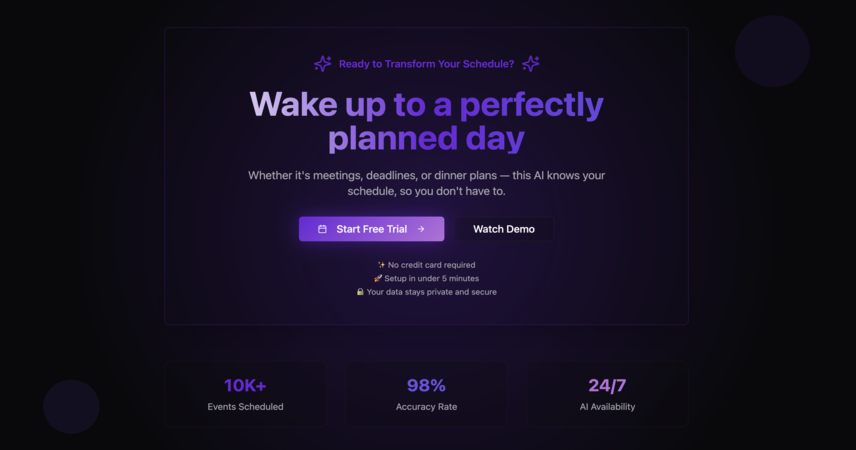
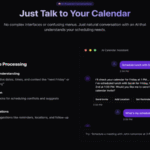
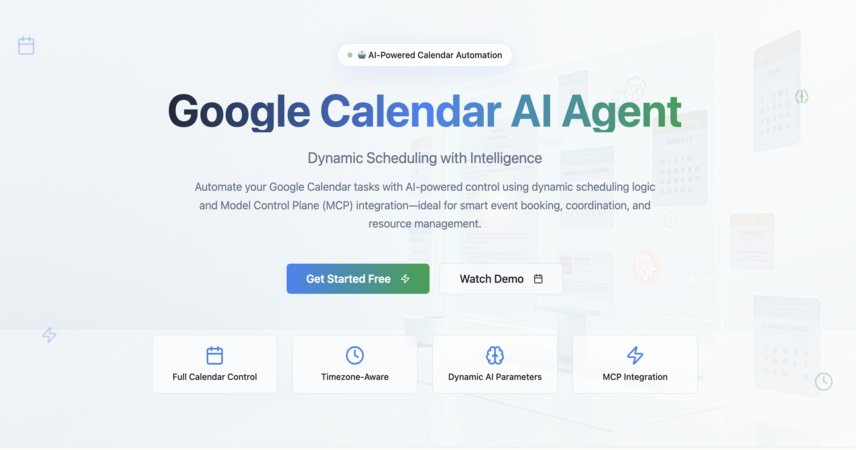
This no-code workflow connects your Google Calendar with GPT-4o to create, retrieve, and summarize events using natural language. Whether you're asking "what's on my schedule today?" or saying "book a meeting for 3 PM tomorrow," this AI agent handles it — no code, no confusion.
Perfect for new n8n users who want to build their first working AI Agent and understand how tool-calling, tokens, and OpenAI logic fit together.
🧠 How It Works:
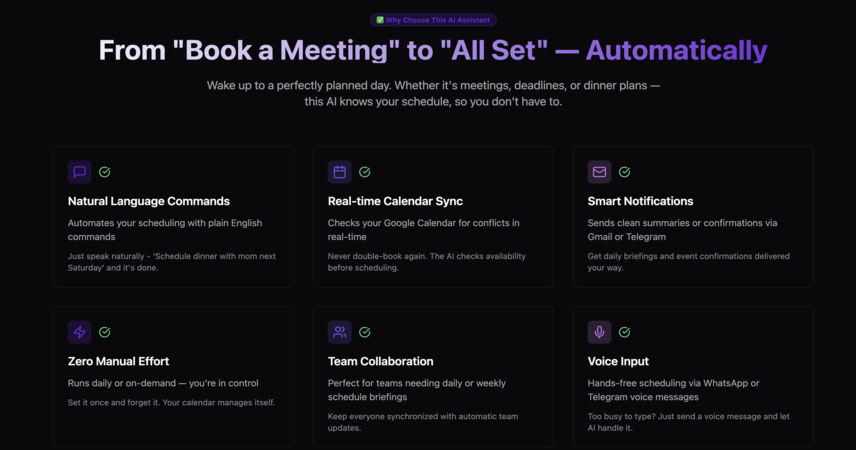
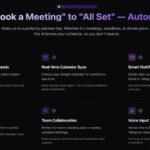
✅ 🧠 Uses OpenAI GPT-4o with tool calling to handle natural-language calendar commands ✅ 📅 Integrates with Google Calendar to create and fetch events ✅ 💬 Understands instructions like “Schedule lunch with Riya tomorrow at 1 PM” or “What meetings do I have today?” ✅ 🔁 Can run on-demand or daily as a scheduled assistant ✅ 📤 Delivers clean summaries or confirmations to Gmail, Telegram, or Slack ✅ 🧱 Built with sticky-note guides and prefilled example messages for easy understanding
🔍 It Automates:
✅ Creating events using plain English ✅ Fetching today’s or upcoming events ✅ Parsing natural date/time references (like "next Friday" or "in 2 hours") ✅ Formatting event summaries for sharing ✅ Optional: Logging activity to Google Sheets or Airtable for backup ✅ Optional: Sending reminders before events via your chosen platform
💡 Why Choose This Workflow:
✅ A perfect starting point to learn how AI agents work in n8n ✅ Requires zero prior coding or automation experience ✅ Fully guided — sticky notes explain every step ✅ Teaches OpenAI tool-calling, prompt design, and basic calendar automation ✅ Evolves easily into a smart personal assistant or team scheduler
👤 Who Is This For:
✅ Students learning AI workflows ✅ Professionals tired of manually checking their calendar ✅ Creators exploring tool-calling and AI logic ✅ Anyone building their first real AI Agent in n8n ✅ Teams wanting daily schedule briefings without effort
🔗 Integrations:
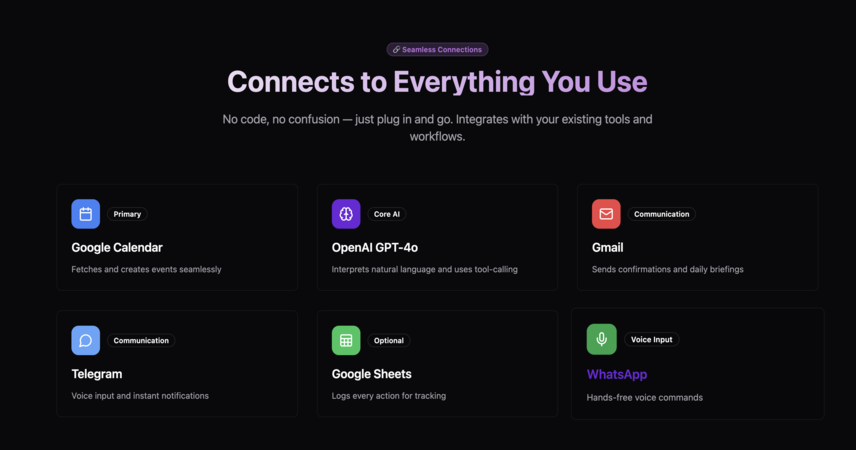
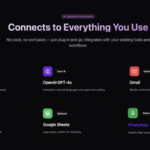
✅ Google Calendar (create & fetch events) ✅ OpenAI GPT-4o (natural-language understanding + tool-calling) ✅ Gmail (send daily schedule summaries) ✅ Telegram / Slack (optional: receive messages or alerts) ✅ Google Sheets or Airtable (optional: log events)
⚙️ Customization Options:
🔄 Adjust frequency (daily, on-command, voice-triggered) 📲 Add voice input via Telegram Bot or WhatsApp 🧠 Personalize prompt tone (casual, formal, team-specific) 🗃 Export logs to Notion or a CRM 🧩 Add support for recurring events, reminders, or attendees
📅 From Simple Prompts to Smart Scheduling — Instantly
This workflow is your first step into AI-powered productivity. Start small, learn fast, and build something truly useful — powered by GPT-4o and n8n.




 Visit Main Gignaati Website
 Learn with Gignaati Academy
 Explore Workbench
 Partner with Us
 Invisible Enterprises – Buy on Amazon
 Terms & Conditions
 Privacy Policy