




Description
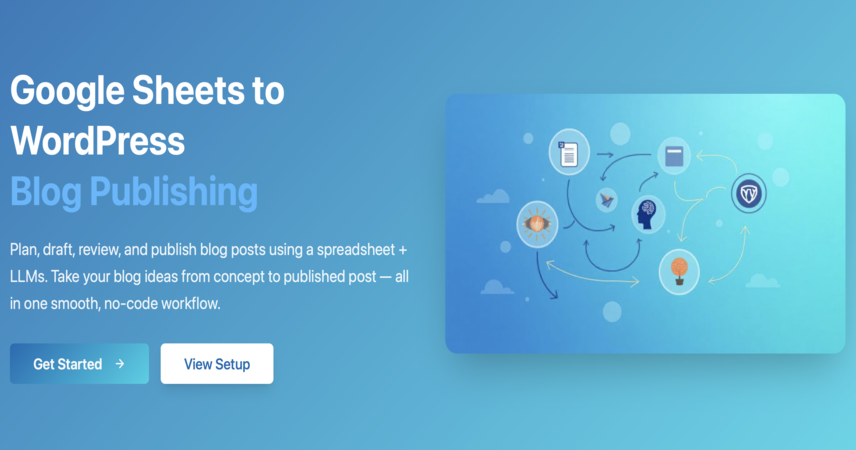
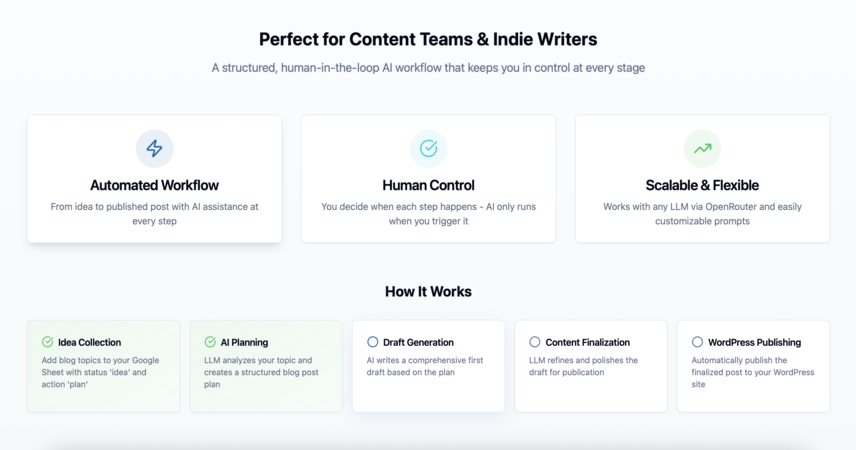
This no-code workflow automates the entire lifecycle of creating SEO-friendly blog posts — from planning and drafting to publishing — using advanced AI models like DeepSeek and OpenRouter, seamlessly integrated with Google Sheets and WordPress.
Perfect for content creators, marketers, and lean teams who want to produce high-quality content at scale while retaining control over tone, SEO, and quality.
🚀 Who Is This For?
✔️ Content marketers automating SEO blog writing
✔️ Founders building efficient marketing systems
✔️ SEO teams scaling long-form content
✔️ Agencies managing multiple WordPress sites
✔️ Anyone needing fast, consistent content creation
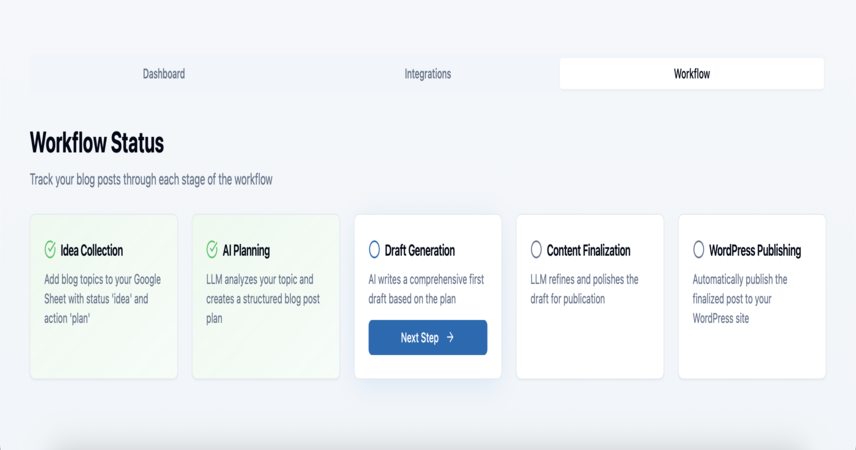
🧩 How It Works
✅ Starts on a manual trigger or schedule
✅ Reads the blog topic and prompt directly from Google Sheets
✅ Uses DeepSeek to generate a full-length blog post
✅ Creates a catchy, SEO-optimized blog title
✅ Uploads the article to WordPress as a draft
✅ Uses OpenAI to generate a suitable blog image
✅ Sets the generated image as the featured image in WordPress
✅ Uses OpenRouter to generate SEO meta title and description
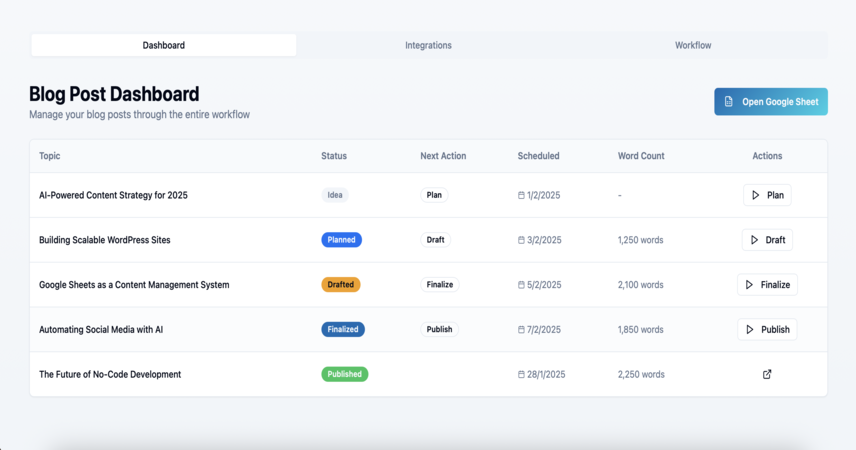
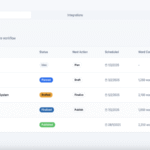
✅ Updates the Google Sheet with the blog title, post URL, and metadata
⚙️ What It Automates
✅ Long-form content creation using AI
✅ Title generation based on keywords
✅ Image creation and featured image setup
✅ SEO metadata generation (title + description)
✅ Tracking and logging via Google Sheets
✅ Draft publishing to WordPress through REST API
💡 Why Use This Workflow?
✅ Complete blog automation starting from a Google Sheet
✅ Fully modular — compatible with DeepSeek, GPT-4, Claude, Mixtral
✅ Combines image generation and SEO in one seamless flow
✅ Saves hours per post while meeting SEO standards
✅ Keeps humans in the loop — drafts are editable before publishing
🔧 Customization Options
🔁 Use any preferred LLM for content or SEO generation
📸 Swap out the image generator with DALL·E, Midjourney, or your own API
📈 Add keyword density scoring or internal linking suggestions
🧠 Cache your best prompts inside the Config tab for reusability
📤 Extend the flow to auto-publish or send status updates via email or Slack
📆 Trigger manually, on a schedule, or by webhook




 Visit Main Gignaati Website
 Learn with Gignaati Academy
 Explore Workbench
 Partner with Us
 Invisible Enterprises – Buy on Amazon
 Terms & Conditions
 Privacy Policy