



Description
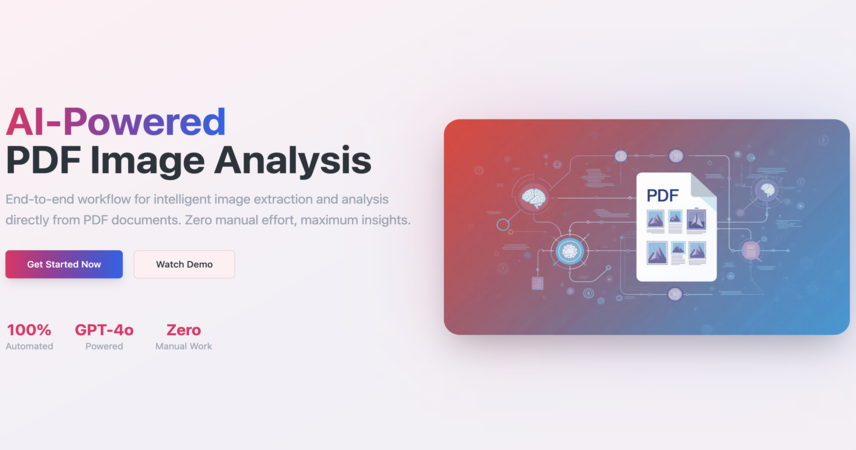
AI-powered workflow for end-to-end image extraction and intelligent analysis directly from PDF documents
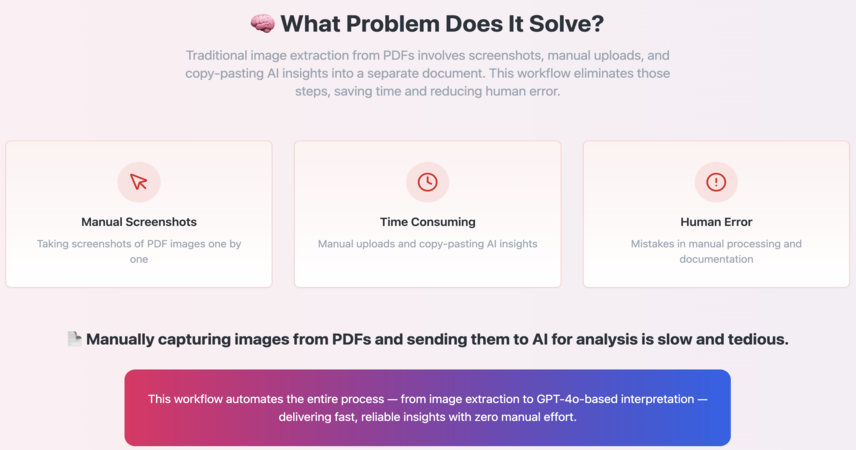
📄 Manually capturing images from PDFs and sending them to AI for analysis is slow and tedious. This workflow automates the entire process — from image extraction to GPT-4o-based interpretation — delivering fast, reliable insights with zero manual effort.
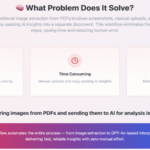
🧠 What Problem Does It Solve?
Traditional image extraction from PDFs involves screenshots, manual uploads, and copy-pasting AI insights into a separate document. This workflow eliminates those steps, saving time and reducing human error by automating both image handling and analysis.
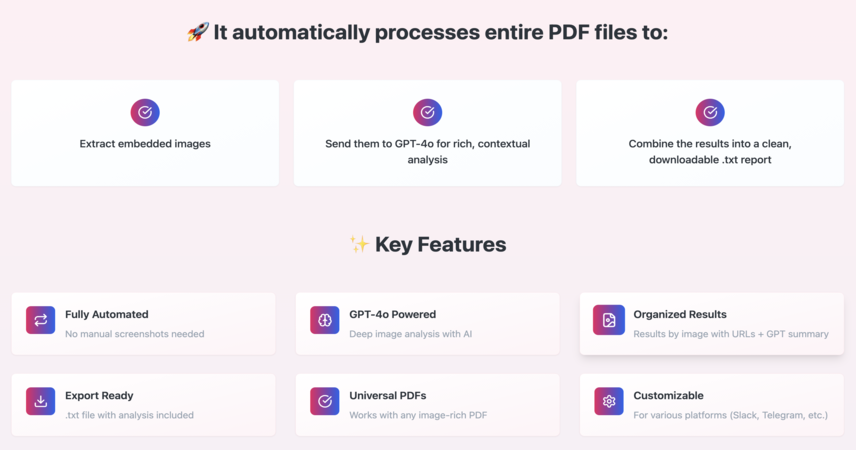
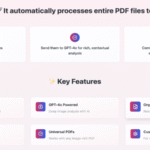
🚀 It automatically processes entire PDF files to:
✅ Extract embedded images
✅ Send them to GPT-4o for rich, contextual analysis
✅ Combine the results into a clean, downloadable .txt report
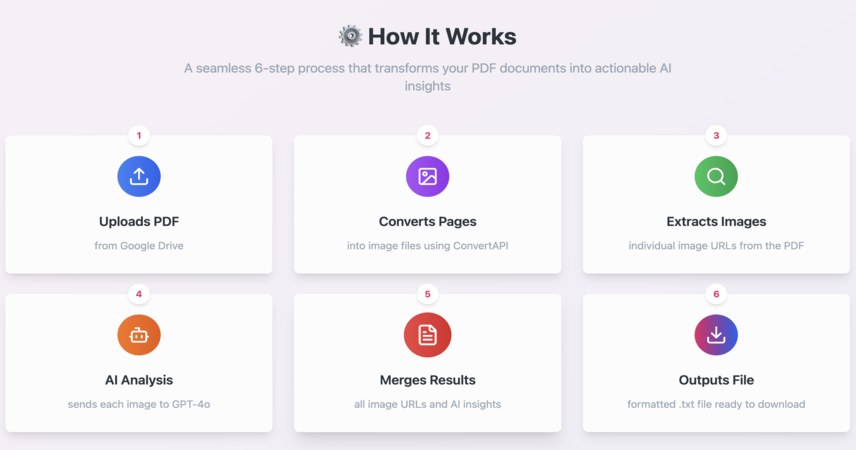
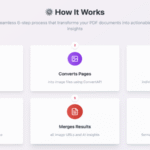
⚙️ How It Works
📥 Uploads a PDF from Google Drive
🖼 Converts PDF pages into image files using ConvertAPI
🔎 Extracts individual image URLs from the PDF
🤖 Sends each image to GPT-4o for AI-driven analysis
🧾 Merges all image URLs and AI insights
📝 Outputs everything into a formatted .txt file
✨ Key Features
🔁 Fully automated — no manual screenshots needed
🔬 Uses GPT-4o for deep image analysis
🗂 Organizes results by image with URLs + GPT summary
📤 Export-ready: .txt file with analysis included
⚙️ Works with any image-rich PDF
🧰 Customizable for various platforms (Slack, Telegram, etc.)
🛠 Setup Instructions
-
Connect your Google Drive, ConvertAPI, and OpenAI (GPT-4o) credentials
-
Upload your image-heavy PDF to Google Drive
-
Trigger the workflow manually or via automation
-
Wait as it extracts images and processes them
-
Download the .txt file with all results
💡 Tip: ConvertAPI occasionally returns 503 errors — retry after a short delay.
🔧 How to Customize
-
Swap the manual trigger for a Google Drive auto-trigger
-
Replace GPT-4o with another model if needed
-
Output the results to chat apps, databases, or custom dashboards
-
Apply this template to PDFs with infographics, charts, scans, or reports
💼 Integrations
📁 Google Drive
🔁 ConvertAPI (PDF to Image)
🧠 OpenAI GPT-4o
🧰 n8n Automation
Project Link:-[https://preview--pdf-vision-insight.lovable.app/]

 Visit Main Gignaati Website
 Learn with Gignaati Academy
 Explore Workbench
 Partner with Us
 Invisible Enterprises – Buy on Amazon
 Terms & Conditions
 Privacy Policy