





Description
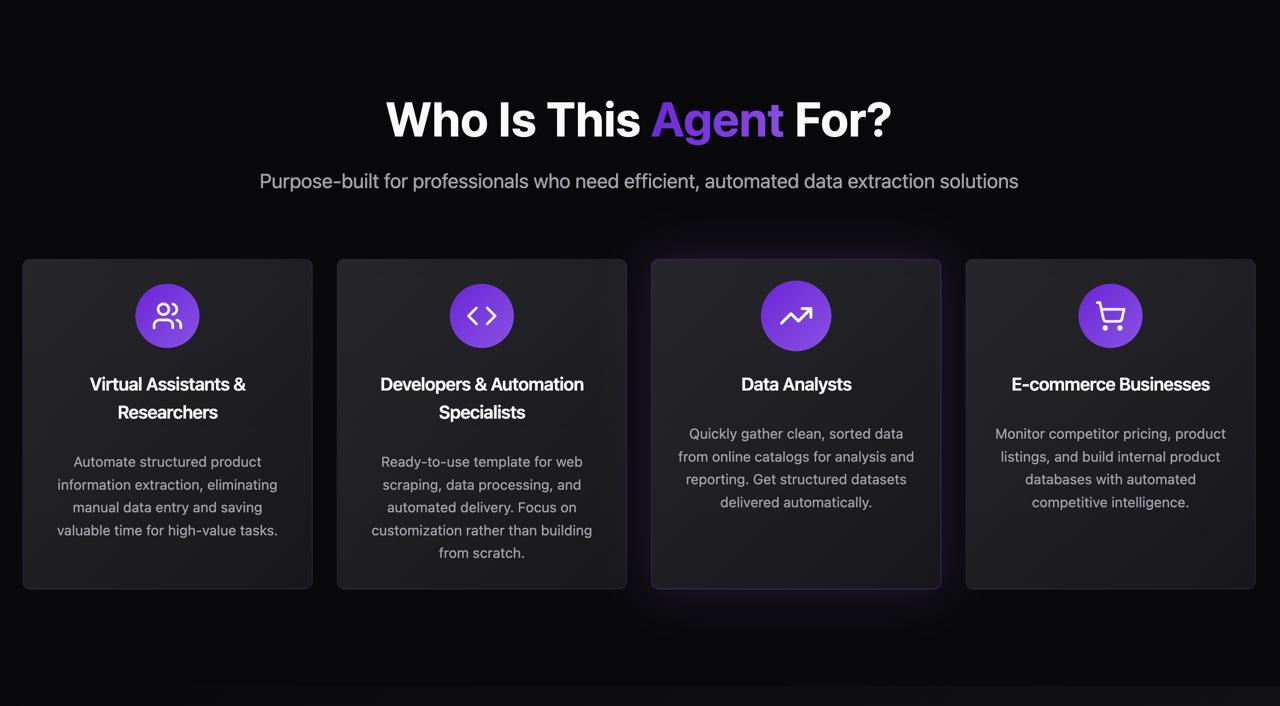
🧠 Who Is This Agent For?
This intelligent automation is built for:
✔️ Virtual Assistants & Researchers
To extract product information like book title and price without manual data entry
✔️ Developers & Automation Specialists
As a plug-and-play template for web scraping and data pipeline automation
✔️ Data Analysts
To get ready-to-use, clean, sorted data from product catalogs for analysis
✔️ E-commerce Businesses
To monitor pricing trends, competitor listings, or create internal product datasets
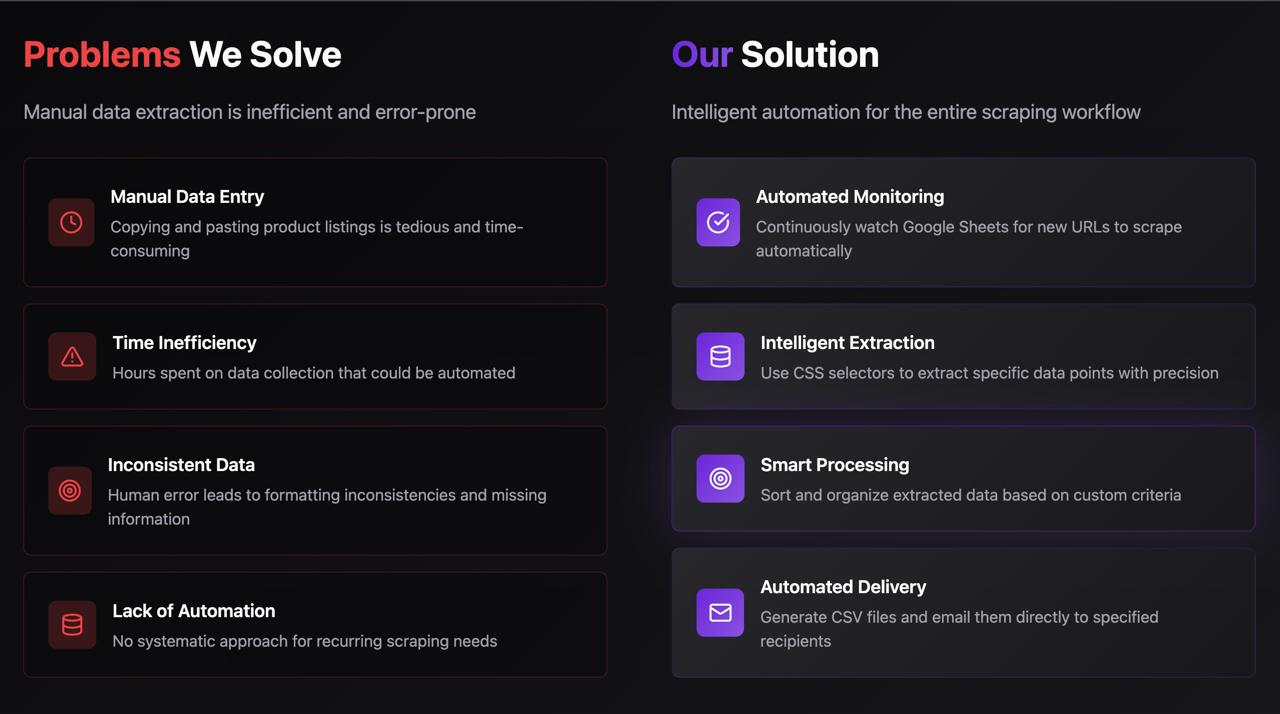
❓ What Problem Does It Solve?
Extracting structured data from websites manually is slow, error-prone, and repetitive. This workflow addresses:
⏳ Manual Data Entry
Replaces copy-paste tasks with automatic data extraction
🧩 Inconsistent or Messy Data
Ensures structured, uniform output every time
🌀 Time Wastage on Recurring Tasks
Handles ongoing scraping needs with zero manual effort
📂 No Automation
Adds end-to-end delivery — from scraping to CSV email in one flow
🧾 Limited Data Delivery
Delivers the final CSV via email, ready for direct use or further processing
✅ The Solution
This smart workflow scrapes catalog-style websites (e.g., book stores) and:
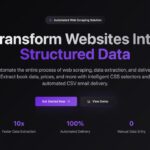
🧠 Scrapes page content via Dumpling AI
📚 Extracts product details using HTML & CSS selectors
🔢 Sorts data based on fields like price or title
📄 Converts output into a structured CSV file
📩 Delivers the file via Gmail automatically
⚙️ How It Works — The Flow
📥 1. Trigger: Watch Google Sheet
The workflow starts when a new URL is added to a monitored Google Sheet
🌐 2. Scrape Webpage HTML
A Dumpling AI node fetches cleaned HTML from the target webpage
🔍 3. Extract Book Entries
HTML node extracts book blocks using .row > li as the main selector
🔗 4. Split Individual Books
Array of HTML blocks is split so each book can be processed independently
🏷️ 5. Extract Book Title & Price
CSS selectors (h3 > a and .price_color) extract title and price from each book entry
📊 6. Sort by Price
Books are sorted in descending order using the price field
🧾 7. Convert to CSV
The sorted data is transformed into a downloadable CSV file
📧 8. Send Email with CSV Attachment
Email is sent via Gmail node, attaching the CSV and adding a custom message
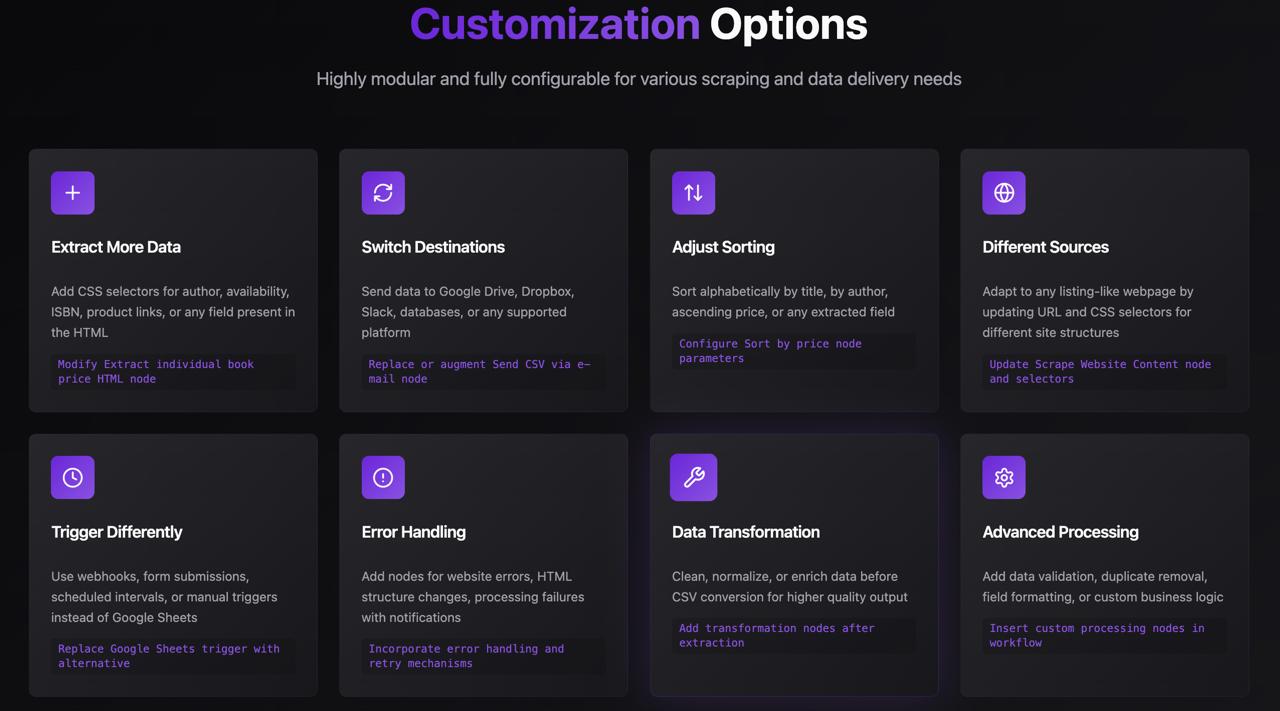
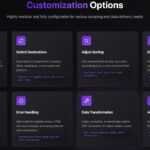
🛠️ Customization Options
🧩 Extract More Fields
Add selectors to pull author, availability, product links, ISBN, or other info
📤 Change Delivery Method
Swap Gmail for Google Drive, Slack, Dropbox, Notion, or database uploads
🔁 Trigger Flexibility
Trigger by webhook, Airtable, form input, schedule, or manual launch
↔️ Adjust Sorting Logic
Sort by price, title, author, availability, or any numeric/alphabetic field
🌐 Scrape Different Sites
Change the URL and CSS selectors to support other catalogs or product sites
⚠️ Add Error Handling
Insert conditional logic or alerts if scraping fails or output is empty
🧼 Enrich or Clean Data
Add transformation nodes to standardize, format, or enrich the extracted data




 Visit Main Gignaati Website
 Learn with Gignaati Academy
 Explore Workbench
 Partner with Us
 Invisible Enterprises – Buy on Amazon
 Terms & Conditions
 Privacy Policy